
Download RemotePC Viewer APK – Remote PC App, Mobile Remote Access, Desktop Control
Overview
RemotePC Viewer is a mobile application designed for remote access to desktop computers, developed by IDrive. The software enables users to connect to and control their PCs from Android devices, offering a convenient solution for accessing files, emails, and applications while on the go. It is particularly suited for remote workers, IT professionals, and individuals who require consistent access to their desktop environments outside the office. The app operates over an internet connection, allowing seamless interaction with a computer as long as both the mobile device and the host PC have the RemotePC Viewer app installed and are logged into the same account.
Users can configure their computers for remote access via the desktop client, enabling features such as "AlwaysON" connectivity, which ensures the PC remains accessible even when idle. The app supports multiple device connections, making it ideal for users managing several systems. A key functionality includes the ability to grant temporary access to others using a generated Access ID and Key, with the option to revoke access post-session. While the app is free to download, full functionality requires a subscription plan, which is not detailed in the provided information. Real-world use cases include troubleshooting remote systems, retrieving urgent documents, or continuing work during travel.
Key Features & Capabilities
- Remote Desktop Access – Users can connect to their desktop computers from an Android device, enabling full control over the remote system as if using a physical keyboard and mouse.
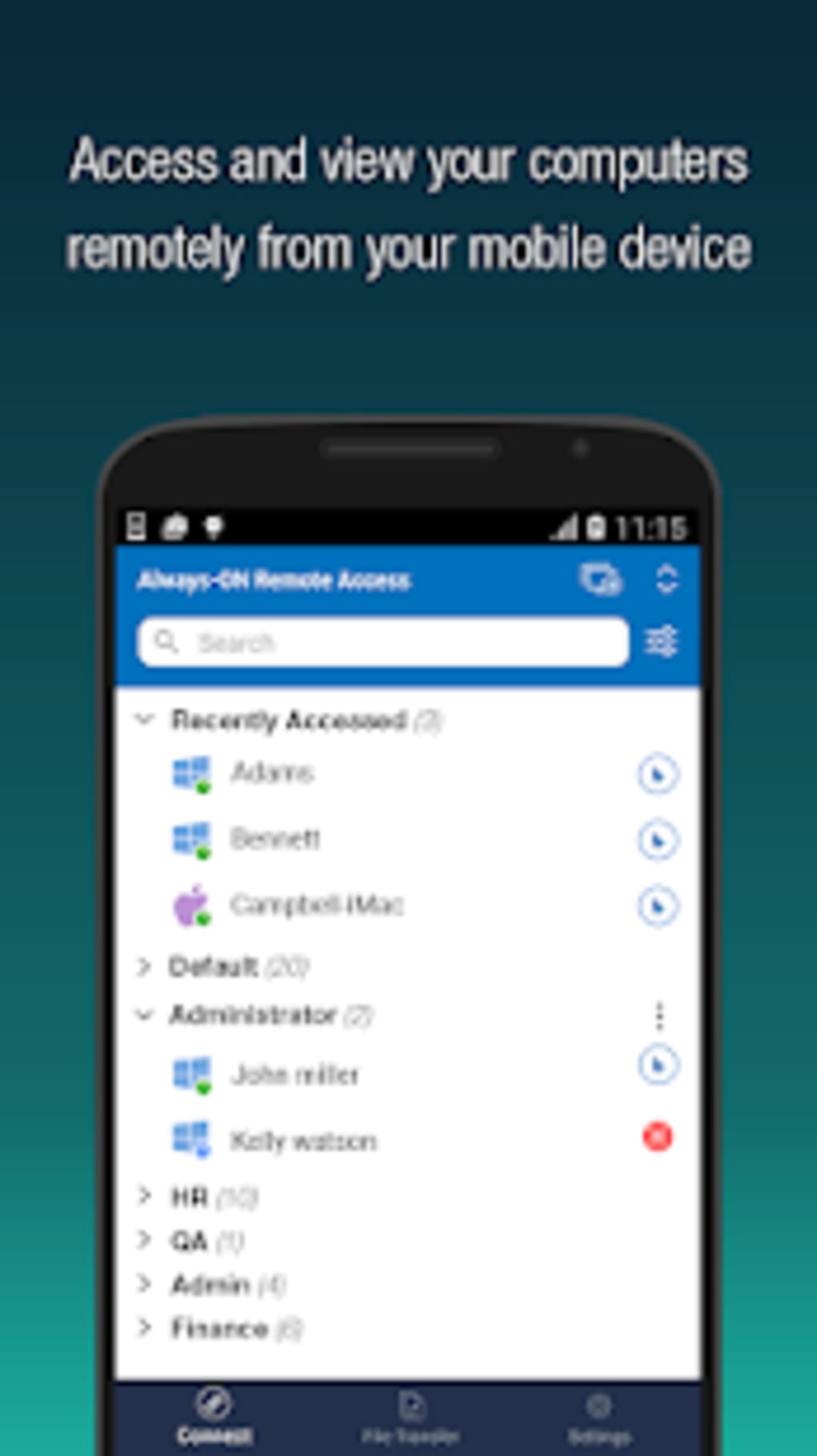
- Multi-Device Support – The app allows access to multiple computers from a single mobile account, useful for managing several workstations or home systems.
- AlwaysON Remote Access – When configured via the desktop client, the connected PC remains accessible at all times, even when the user is not actively logged in.
- One-Time Access Sharing – Users can generate unique Access IDs and Keys to grant temporary access to others, with the ability to disable access after the session ends.
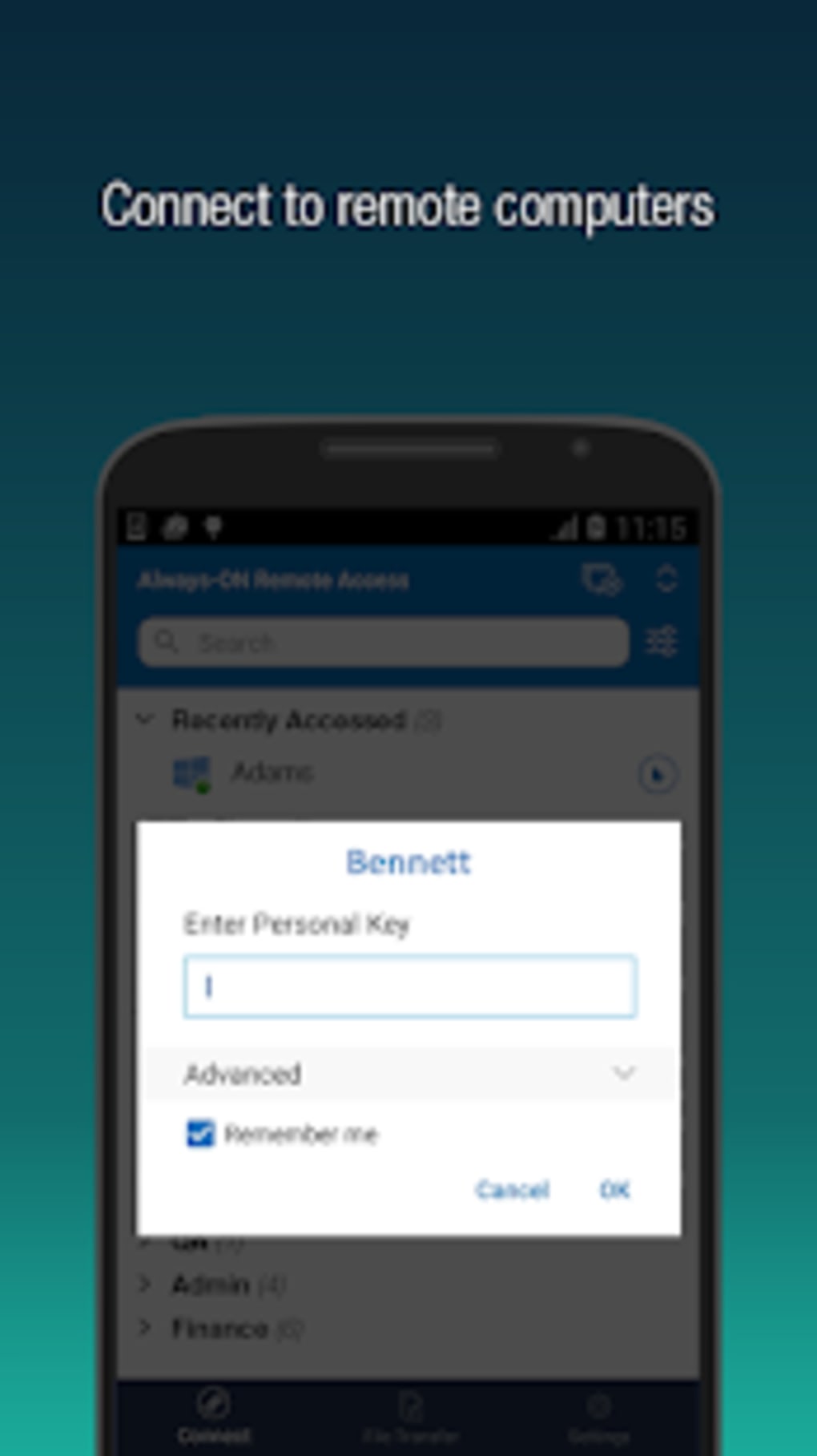
- Account-Based Authentication – Secure login through a unified account ensures that only authorized users can access configured devices.
These features are particularly beneficial for IT support teams needing to assist users remotely, remote employees accessing office resources, and individuals managing personal systems from mobile devices. The ability to open documents, run applications, and manage files directly from a smartphone enhances productivity. However, the app does not include built-in audio or video conferencing tools, which may limit its use in collaborative environments. The mobile interface is designed for touch-based navigation, though performance and responsiveness may vary depending on network conditions and device capabilities.
User Interface, Workflow & Performance
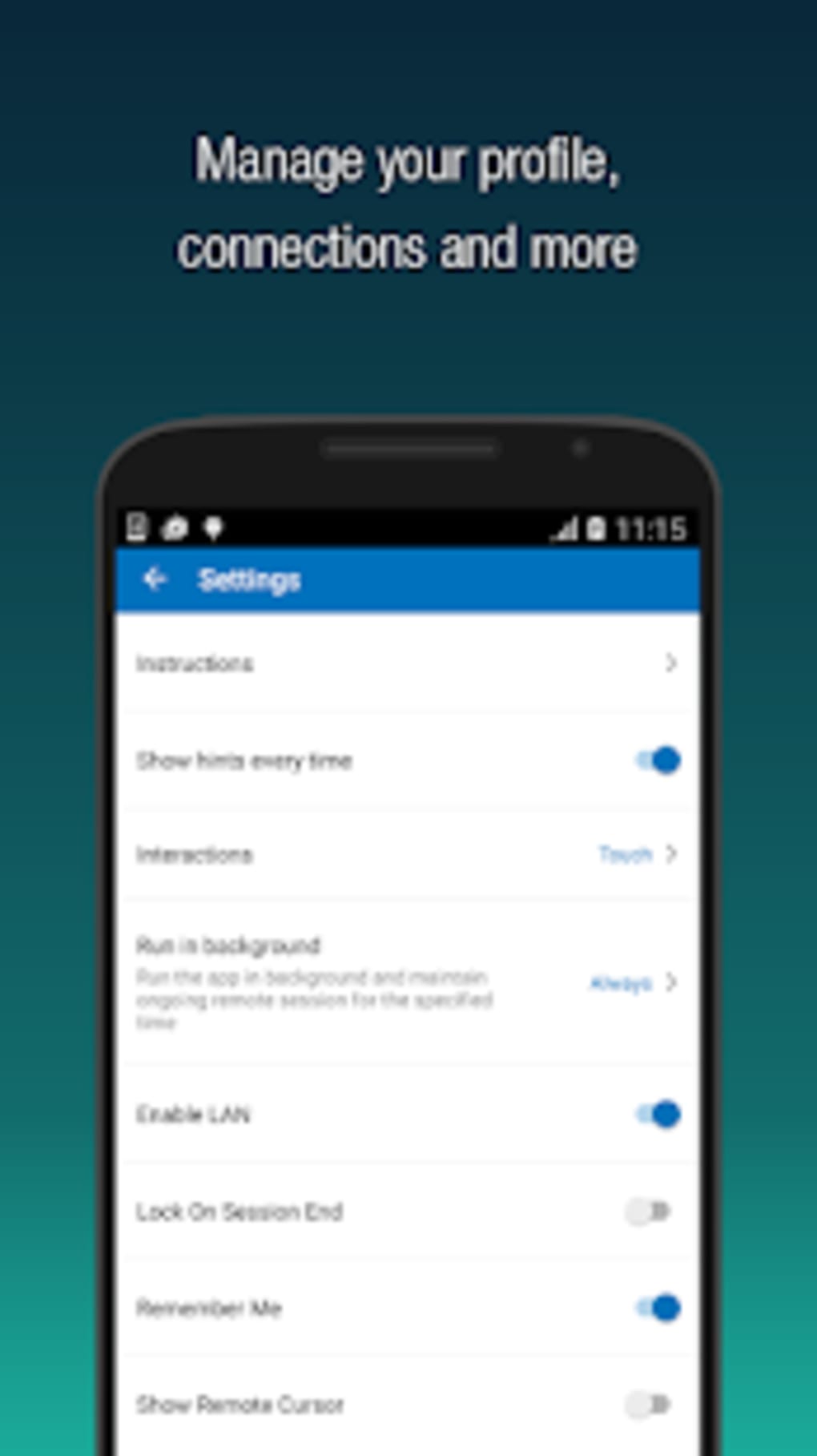
The user interface of RemotePC Viewer is structured to support basic remote control tasks through a touch-based layout. Navigation is handled via a device list screen, where users can select a target PC to connect. Once selected, the app establishes a remote session, displaying the desktop environment in real time. The interface includes basic controls such as a virtual mouse and keyboard, though these may not be as responsive as physical input devices.
Workflow efficiency depends on the stability of the internet connection and the performance of the host PC. While the developer did not specify resource usage details, general mobile application behavior suggests moderate CPU and RAM consumption during active sessions. The app appears to maintain a stable connection under normal conditions, though users may experience delays in screen updates or input lag, particularly on slower networks. Performance observations are based on general software behavior patterns, as no benchmark data was provided. The app does not display real-time performance metrics or system load indicators, which may affect troubleshooting during extended sessions.
Compatibility & System Requirements
RemotePC Viewer is designed for Android devices and is compatible with the latest versions of the operating system. The app has a file size of 32.4 MB, indicating a lightweight installation. The developer did not specify exact system requirements, including minimum Android version, RAM, or processor specifications. It is recommended to use the app on devices with stable internet connectivity and sufficient processing power to handle remote desktop streaming.
Compatibility information was partially provided. The application is intended for mobile use and requires the desktop client to be installed on the host PC for full functionality. The desktop client’s compatibility details were not included in the input. Users should ensure that both the mobile app and desktop software are updated to the latest versions for optimal performance and security. The app does not support iOS or other operating systems based on the provided data.
Pros and Cons
Pros
- Free to download and easy to set up with a unified account system.
- Supports multiple device connections and remote access to several PCs.
- Offers secure, temporary access sharing with revocation capability.
- Enables remote control of desktops with "AlwaysON" access when configured.
- Designed for remote workers and IT professionals needing on-the-go access.
Cons
- Navigation on the mobile interface may be slow and cumbersome.
- Limited to Android devices; no support for iOS or other platforms.
- Does not include built-in audio or video conferencing tools.
- Full functionality requires a subscription, despite free download.
- Performance may degrade on low-bandwidth or unstable connections.
FAQ Section
Is RemotePC Viewer available for iOS devices?
Based on the provided information, RemotePC Viewer is only available for Android devices. There is no indication of iOS support in the current release.
Is the app safe to use?
RemotePC Viewer uses account-based authentication and secure session connections. The developer, IDrive, is known for data security practices, though specific security protocols were not detailed in the input.
Does RemotePC Viewer require a subscription to use?
While the app is free to download, full remote access functionality requires a subscription plan. The free version may offer limited access or trial features.
Can I use RemotePC Viewer offline?
No, the app requires an active internet connection to establish and maintain a remote session. Offline use is not supported.
How do I update RemotePC Viewer?
Updates are typically delivered through the Google Play Store. Users should ensure the app is updated to the latest version for improved performance and security.
Final Thoughts
RemotePC Viewer presents a practical solution for users seeking mobile access to their desktop computers. Its core functionality is reliable, with straightforward setup and multi-device support. While the mobile interface has some usability limitations and lacks advanced collaboration tools, it remains a solid choice for remote workers and IT professionals who need to access their systems on the go. The absence of iOS support and the need for a subscription to unlock full features are notable drawbacks. However, the app’s ease of use, secure access controls, and ability to manage multiple systems make it a worthwhile option for Android users.
Download RemotePC Viewer now to experience seamless remote desktop access from your mobile device.





.png)

